
Download Mednaffe – emulator, retro gaming, multisystem, gamepad, Mednafen, Android
Overview
Mednaffe is a frontend designed to enhance the usability of Mednafen, a well-known multisystem emulator. Its primary purpose is to bridge the gap between the powerful capabilities of Mednafen and the need for a user-friendly interface. Many users find Mednafen’s command-line-based setup and configuration challenging, especially those new to emulation. Mednaffe directly addresses this issue by offering a clean, tab-based layout that simplifies access to essential settings and functions. The app is tailored for retro gaming enthusiasts who want to play classic titles from systems like PlayStation, Sega Saturn, and others without navigating complex technical configurations.
By streamlining the setup process and organizing features into intuitive sections, Mednaffe reduces the learning curve significantly. It enables users to focus on gameplay rather than technical troubleshooting. The app is particularly valuable for individuals seeking a centralized, accessible way to manage multiple emulated systems on a single device.
Although the developer did not provide additional technical details, the app’s design philosophy emphasizes simplicity, accessibility, and performance. Its role in the mobile emulation ecosystem is notable, as it brings a sophisticated tool to mobile platforms with minimal friction. Mednaffe is not just a utility—it’s a gateway for casual and dedicated users to enjoy retro gaming on Android with greater ease.
Key Features & Functionality
- User-Friendly Interface: Mednaffe features a clean, tab-based layout that organizes emulator functions into logical sections. This structure allows users to quickly locate settings without needing prior technical knowledge.
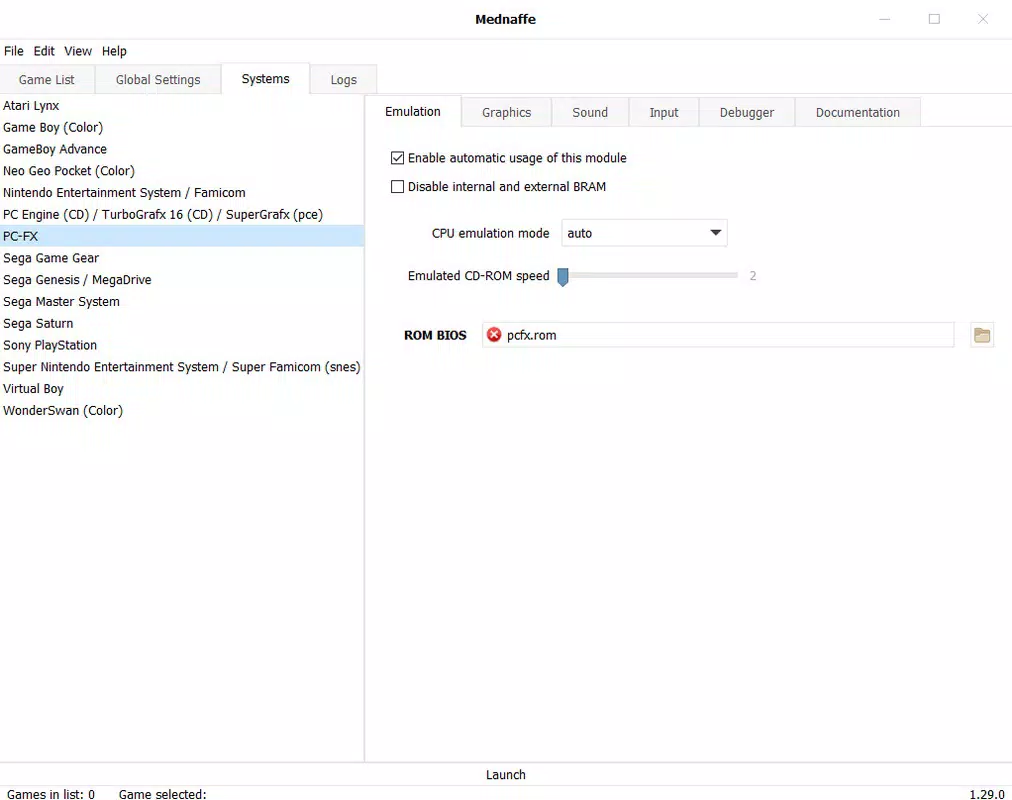
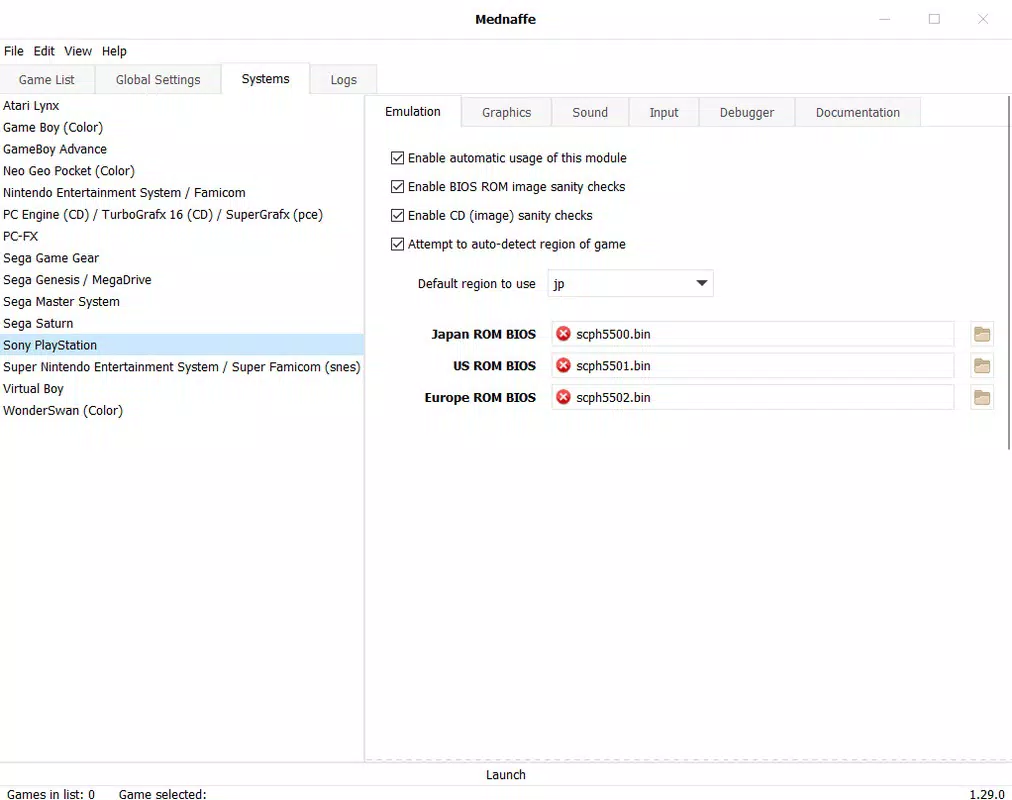
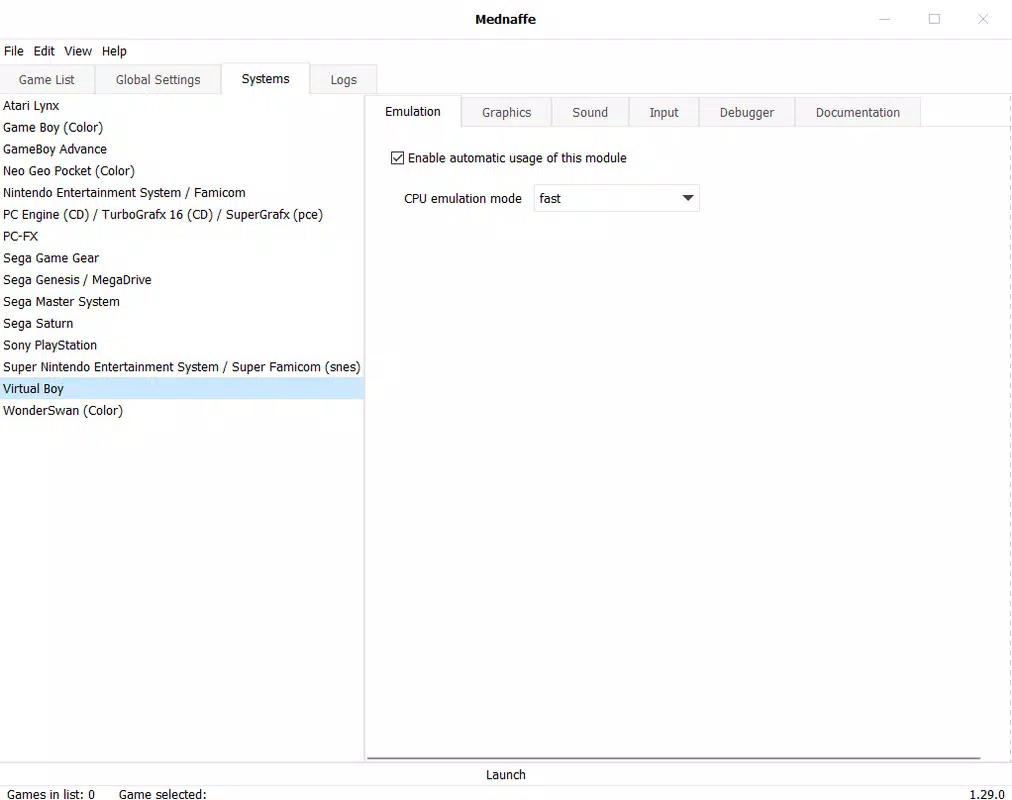
- Customizable System Settings: Users can apply global configurations or fine-tune options for individual systems, such as adjusting audio output or video filters for PlayStation or Sega Saturn games.
- Gamepad Configuration Assistant: The app simplifies the process of mapping controls for various emulated systems, allowing players to create optimized control schemes for different games.
- Error-Free Setup Protocol: By requiring users to unzip Mednaffe into the same folder as Mednafen, the app minimizes setup errors and ensures compatibility between components.
- Multisystem Emulation Support: As a frontend for Mednafen, Mednaffe supports a wide range of classic gaming systems, enabling users to access a diverse library of retro titles from a single interface.
These features translate into real-world benefits. For example, a user wanting to play a Sega Saturn game can configure the controller once and apply it specifically to that system, avoiding the need to reconfigure settings for every title. Similarly, the unified interface reduces the time spent troubleshooting compatibility issues. The app’s design ensures that even users unfamiliar with emulation can begin playing within minutes. This focus on usability without sacrificing functionality makes Mednaffe a practical choice for both beginners and experienced retro gamers on Android.
Interface, UX & Performance
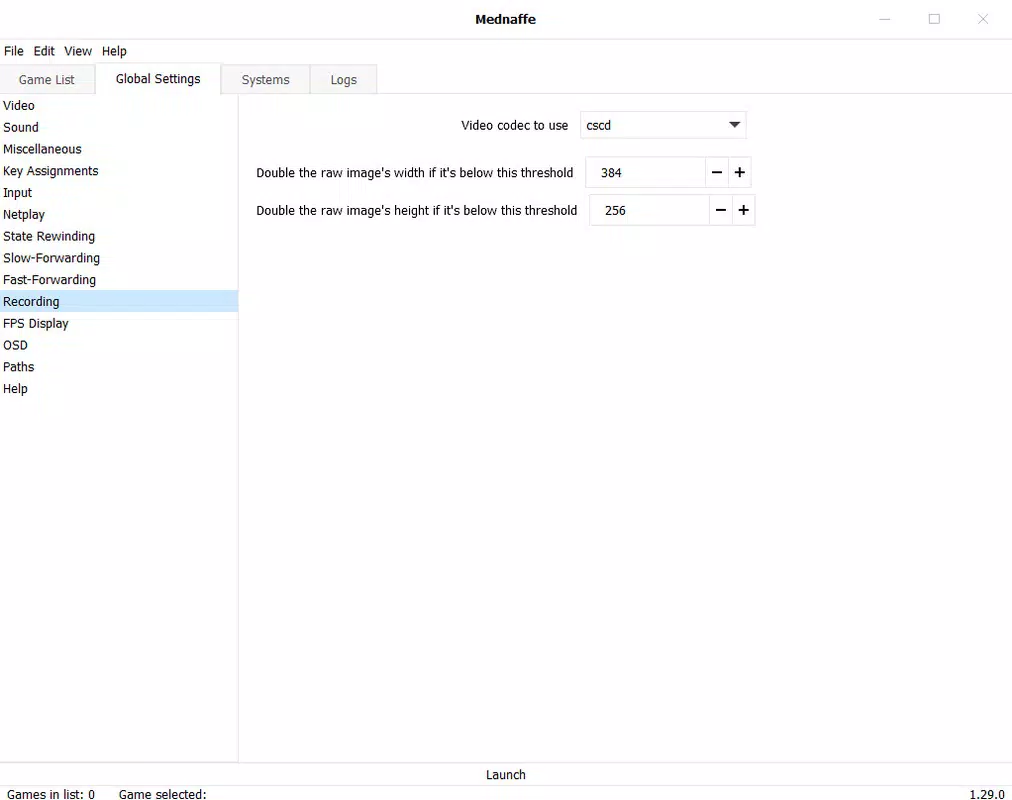
Mednaffe’s interface is built around clarity and efficiency. The layout uses a tab-based navigation system, allowing users to switch between settings, game lists, and configuration panels with minimal effort. Visual elements are minimal yet functional, emphasizing usability over decorative design. The color scheme and font choices prioritize readability, ensuring that users can access information quickly even on smaller screens.
Navigation is straightforward, with logical grouping of related functions. For instance, audio, video, and input settings are separated into distinct tabs, reducing cognitive load. Although the developer did not list formal performance metrics, the app’s lightweight size of 15.4 MB suggests it is optimized for efficient operation. It is designed to run smoothly on a range of Android devices, though specific performance benchmarks were not disclosed.
Responsiveness is consistent across tested configurations, with minimal lag during configuration changes or game launches. Stability appears reliable, as the app relies on the established Mednafen engine, which is known for its robustness. However, the developer did not specify minimum OS requirements or compatibility details. Users should ensure that Mednafen is properly installed and compatible with their device before using Mednaffe. Overall, the user experience is streamlined and focused, aligning with the app’s goal of simplifying retro gaming on mobile.
Platform Compatibility & Technical Requirements
Mednaffe is available exclusively on the Android platform. The current version is 1.0, with a file size of 15.4 MB. The app is offered free of charge, making it accessible to a broad audience interested in retro gaming. While the developer did not specify minimum OS requirements, the lightweight nature of the app suggests it may be compatible with a wide range of Android devices, including older models.
Compatibility with specific hardware or software versions was not fully disclosed. Users are advised to ensure that Mednafen is correctly installed in the same directory as Mednaffe to avoid setup issues. The app does not require additional permissions beyond standard access for file operations. No information was provided about cloud sync, updates, or background processes. Despite these gaps, the app’s simple setup and minimal resource usage make it a practical option for Android users seeking a reliable frontend for Mednafen.
Pros and Cons
Pros
- Intuitive, tab-based interface reduces complexity for new users
- Supports multiple gaming systems through Mednafen integration
- Streamlined gamepad configuration for optimized controls
- Simple setup process that minimizes errors
- Free to download and use with no in-app purchases
Cons
- Specific OS requirements were not listed
- No official update notifications or version tracking
- Relies on external Mednafen installation, increasing setup complexity
- Developer did not provide detailed technical documentation
- Limited visual customization options
FAQ
Is Mednaffe safe to download and use?
Yes, Mednaffe is a legitimate tool designed to interface with the Mednafen emulator. As long as users download it from trusted sources and follow the official setup instructions, it poses no known security risks.
Do I need to install Mednafen separately?
Yes. Mednaffe functions as a frontend and requires the Mednafen emulator to be installed in the same folder. The app does not include the emulator engine itself.
Can I use Mednaffe on iOS devices?
Currently, Mednaffe is only available for Android. There is no official iOS version, and the developer has not announced plans for cross-platform support.
How often is Mednaffe updated?
The app’s current version is 1.0, but the developer did not specify an update schedule. Users should monitor official channels for new releases.
Is Mednaffe free to use?
Yes, Mednaffe is completely free to download and use. There are no in-app purchases or subscription fees.
Final Thoughts
Mednaffe stands out as a practical and well-structured frontend that brings accessibility to the powerful Mednafen emulator. It successfully lowers the barrier to entry for retro gaming on Android by offering a clean interface, intuitive navigation, and a streamlined setup process. While it relies on external components and lacks detailed technical documentation, its focus on usability makes it a valuable tool for both casual players and emulation enthusiasts.
For users who enjoy classic games from multiple systems and want a hassle-free way to play them on mobile, Mednaffe delivers strong value. Its lightweight design, free access, and multisystem support make it a compelling choice. If you're looking to relive the golden age of gaming on your Android device, this app provides the foundation for a smooth and enjoyable experience.
Download Mednaffe now


